AI writes Markdown.
Now view it your way.

Every response from Claude, ChatGPT, or Copilot arrives in Markdown. Most apps show you the symbols. ShowMarkdown shows you the document — in Windows or in your browser, exactly as intended.

Windows app Get it on Microsoft Store Try the web version
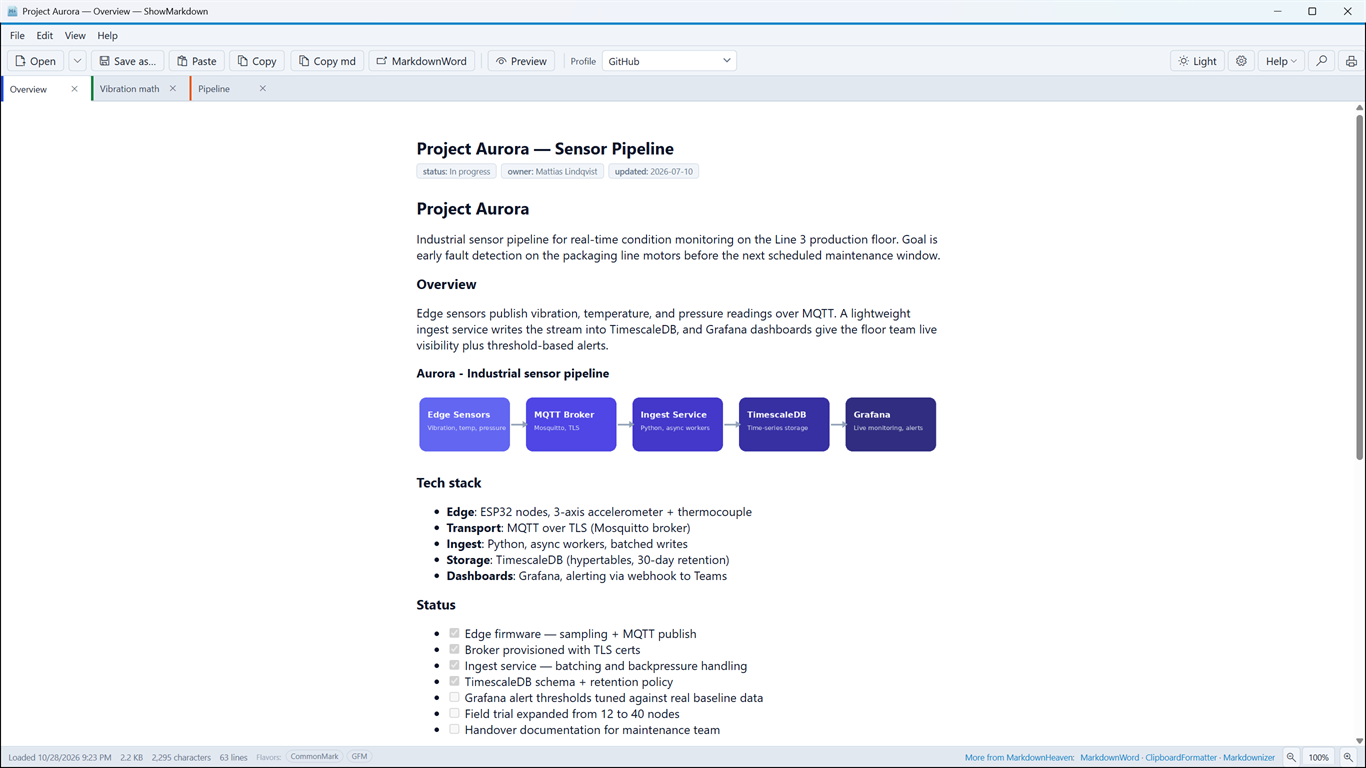
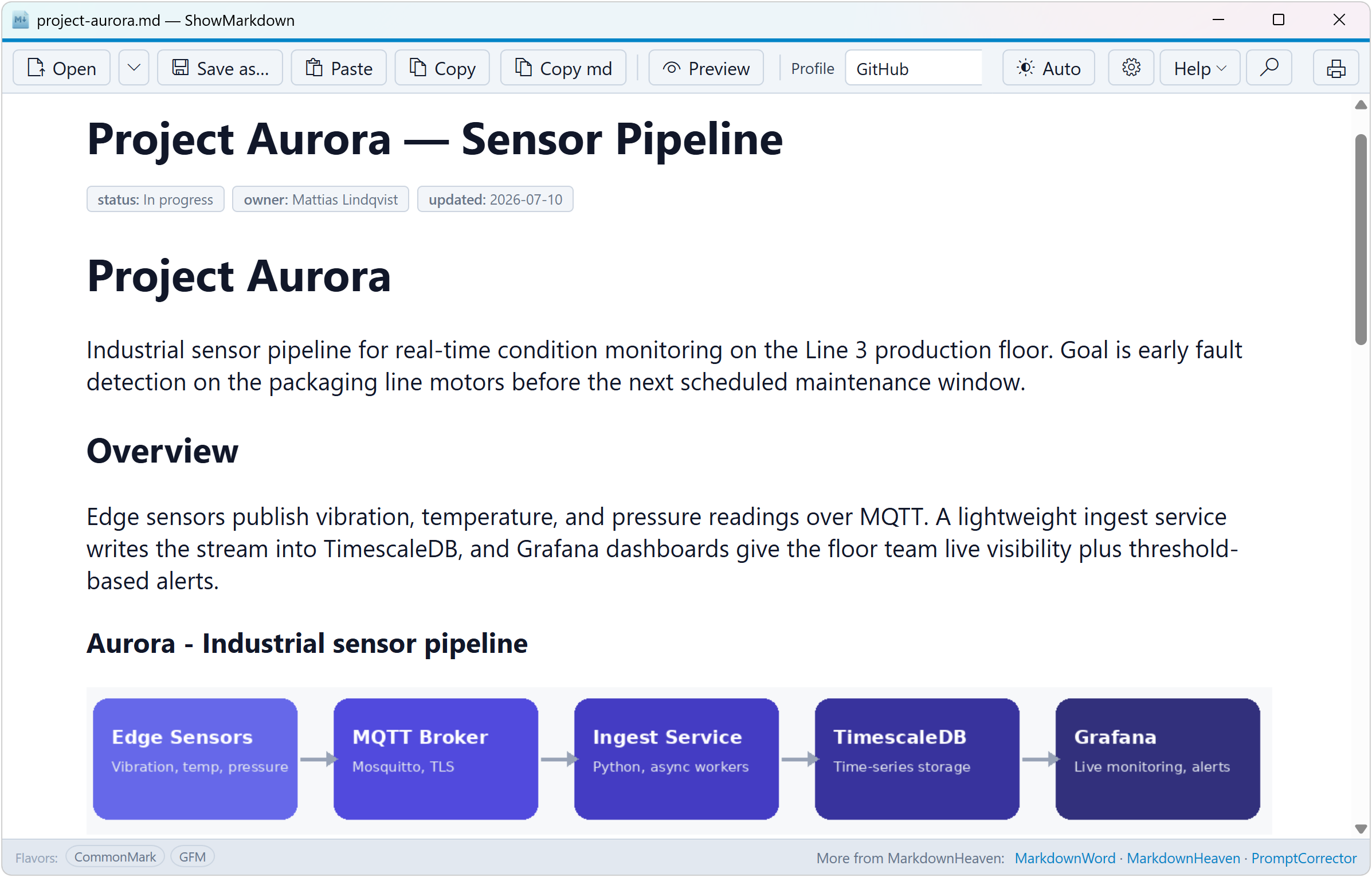
ShowMarkdown in Preview mode, rendering a Markdown document with badges and a diagram in Windows

What you get

Built for the way AI actually works

Style profiles

GitHub docs look like GitHub docs. Technical reports look like reports. Switch rendering style to match what you're reading. Want to design your own? markdownword handles custom style profiles.

Frontmatter, done right

YAML frontmatter isn't dumped as raw text. The title field becomes your heading, and everything else — status, owner, date — turns into a clean metadata strip.

Images, inline and remote

Relative image paths resolve automatically when a file is open. Paste Markdown with a remote image URL and it renders instantly — no file needed.

Mermaid diagrams

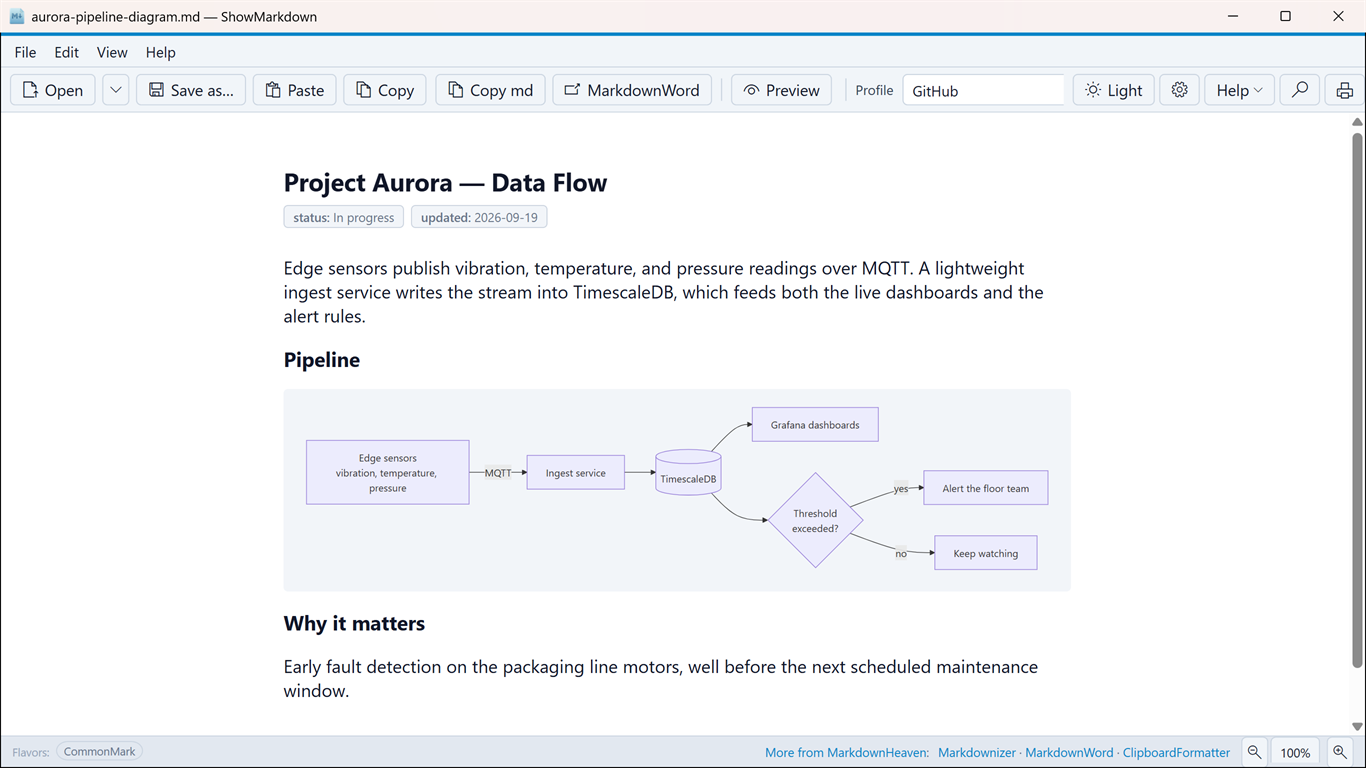
AI-generated flowcharts and sequence diagrams in fenced ```mermaid blocks render as real diagrams — not code.

Three ways to read

Toggle between rendered Preview, raw Source, or side-by-side Split view — in the Windows app. Find works in every mode.

Dark mode

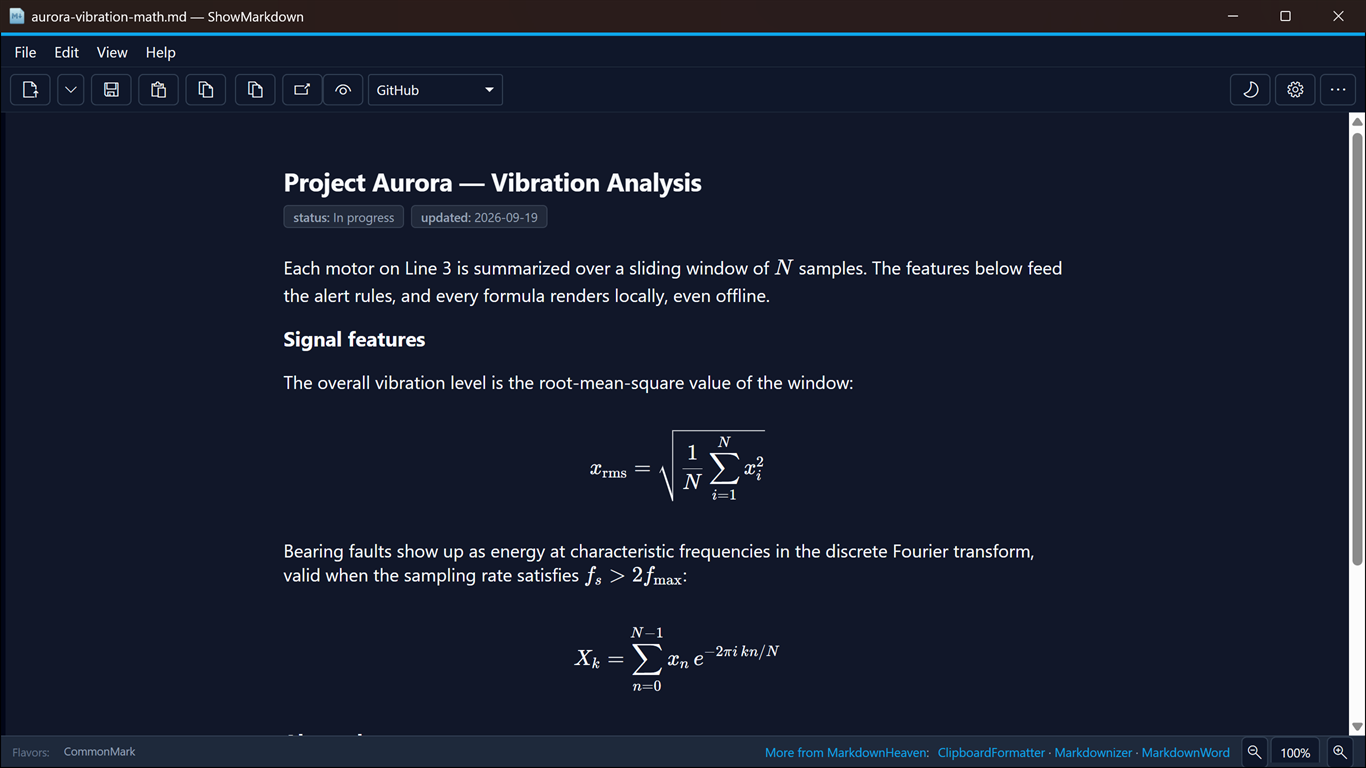
Follows your Windows system theme automatically. Light, dark, or auto — no restart needed, no configuration required.

Print and export

Take AI-generated documents to paper or PDF with Ctrl+P. Formatted output — not a wall of Markdown symbols.

Free, always

ShowMarkdown costs nothing and will stay free. No subscription, no trial, no catch.

Make it yours

Set it up once, then forget about it

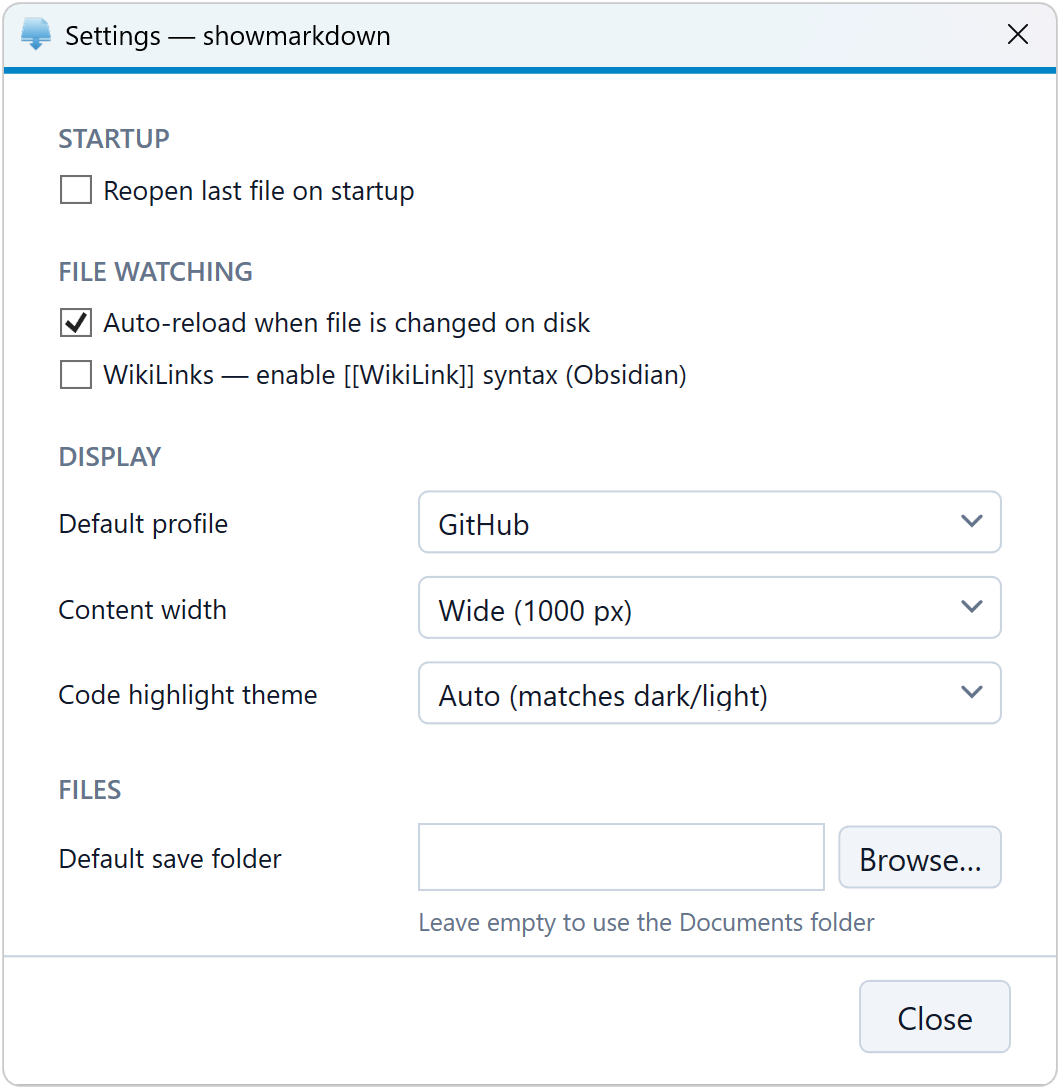
  • Default profile and content width — pick how documents render by default, and how wide the page reads.
  • Auto-reload on file changes — save in your editor, see it update in ShowMarkdown instantly.
  • WikiLinks support — enable [[WikiLink]] syntax for Obsidian-style vaults.
  • Code highlight theme — auto-match your Windows light/dark setting, or lock in one theme.
  • Default save folder — point exports wherever your documents live.
ShowMarkdown settings dialog — startup, file watching, display, and file options

Works in the browser too

Paste Markdown output from any AI and see it rendered instantly — no install, any device.

Open web app

Part of the family

Markdown is how AI communicates.
Here's how you work with it.

ShowMarkdown handles one step: reading. But the full workflow — cleaning AI output, converting it to Word, turning documents back into Markdown for AI — is what markdownheaven.com is built for.